
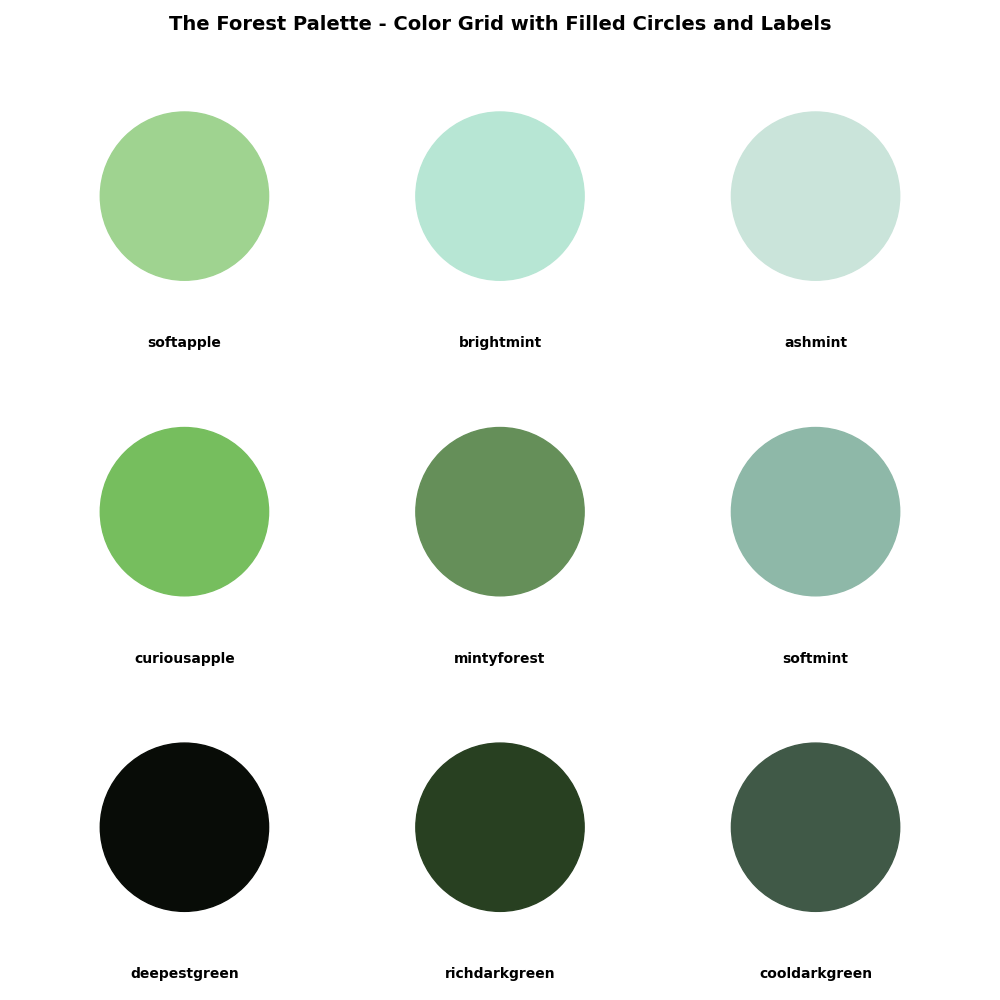
In this blog post, I’ll share my journey of creating a custom color palette package in Python. This package, named “The Forest Palette,” provides a curated set of colors inspired by natural forest environments. Let’s dive into the process of creating and packaging this color palette for use with matplotlib and other visualization libraries.
Inspiration and Design
The idea for “The Forest Palette” came from my love for nature and the calming hues found in forest landscapes. I wanted to create a versatile palette that could be used in data visualizations, digital art, or any project requiring harmonious color schemes.
Steps to Create “The Forest Palette”
1. Color Selection
The first step was to select colors that evoke the essence of a forest: deep greens, serene blues, and hints of foliage-inspired hues. I wanted to ensure the palette was both aesthetically pleasing and functional for different applications.
2. Defining Color Codes
Using hexadecimal color codes (#RRGGBB format), I defined each color in the palette. Each color was carefully chosen to maintain harmony and contrast within the palette while reflecting natural elements found in forests.
3. Python Implementation
To package the color palette for easy integration with Python projects, I structured the palette as a Python module. Here’s a simplified version of the code:
# the_forest_palette.py

colors = {
    'forest_green': '#228B22',
    'deep_brown': '#5F4B32',
    'serene_blue': '#6CA6CD',
    'foliage_green': '#7CFC00'}
4. Integration with matplotlib
To enhance usability, I ensured compatibility with matplotlib, a popular plotting library in Python. Users can seamlessly integrate “The Forest Palette” into their visualizations with minimal setup.
Packaging and Distribution
-
Creating a Python Package
Using setuptools, I created a distributable Python package that includes the color definitions and any necessary metadata. -
Publishing on PyPI
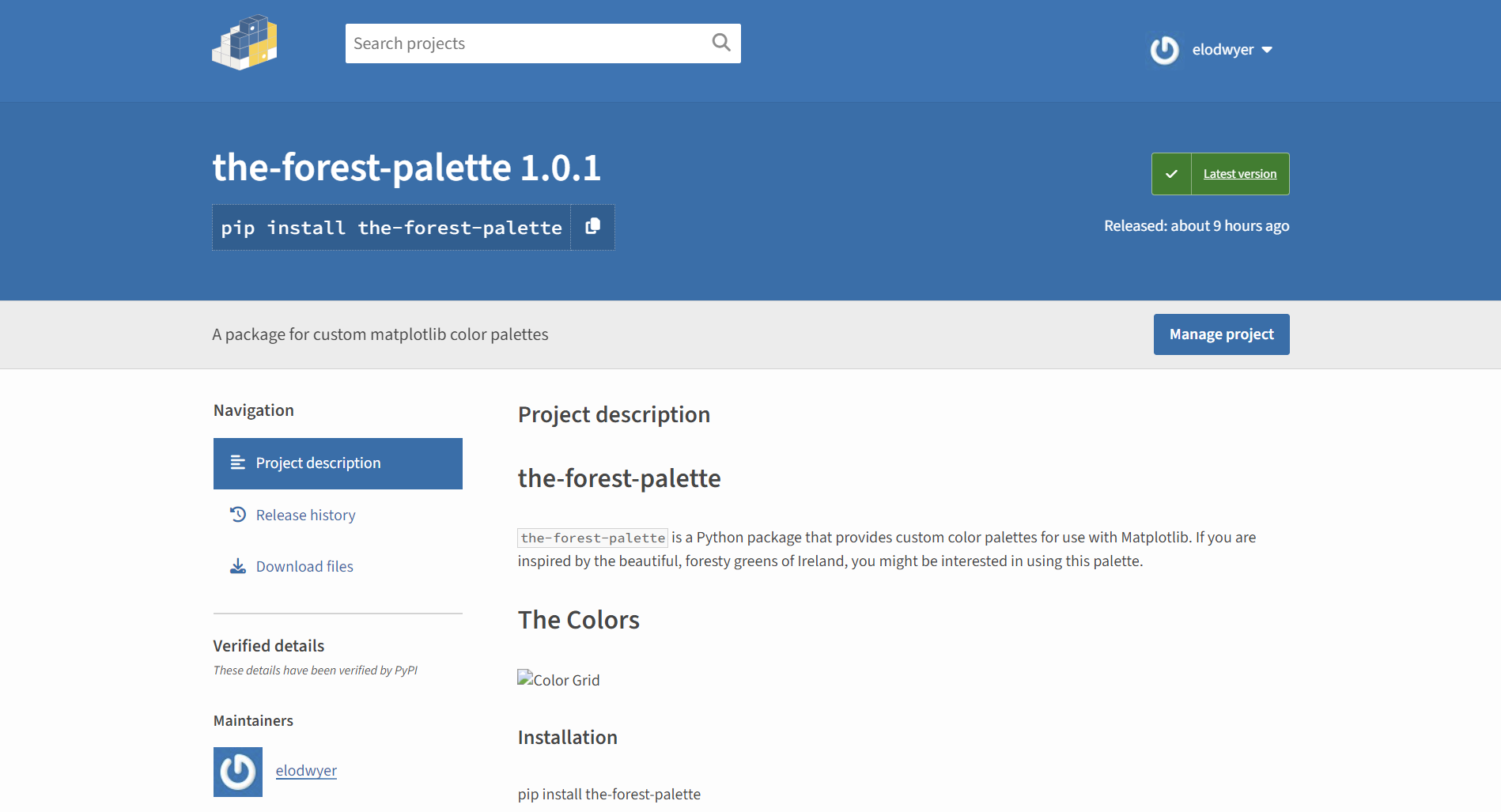
I uploaded the package to PyPI (Python Package Index) to make it accessible to the Python community. Developers and data scientists can now install and use “The Forest Palette” in their projects with a simple pip install the-forest-palette.
5. Hosting on GitHub
The source code for “The Forest Palette” is hosted on GitHub, allowing users to explore the code, contribute, and provide feedback. Conclusion Creating “The Forest Palette” was a rewarding experience, blending creativity with practicality in Python development. Whether you’re visualizing data, designing digital artwork, or exploring color psychology, a well-crafted color palette can elevate your projects. I encourage you to explore and experiment with custom color schemes to enhance your creative endeavors.
Stay tuned for more updates and additions to “The Forest Palette” as I continue to expand and refine the palette based on community feedback and new inspirations.
Happy coding and happy coloring!